When should you lazy load images (and when does it hurt LCP)?
A short rule list for loading="lazy": below the fold yes, LCP hero no, and retest after every theme or plugin change that touches images.
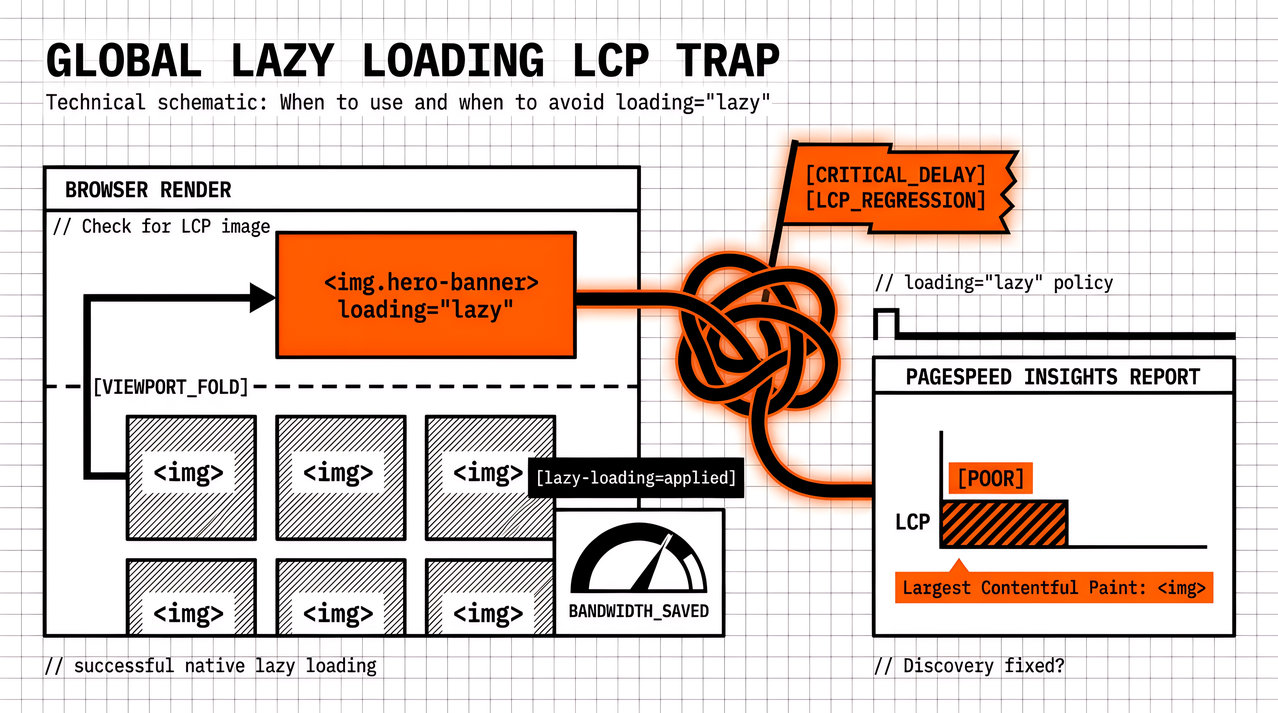
A theme update or optimisation plugin turns on lazy loading for every image. Bandwidth on long articles looks better in the waterfall, yet PageSpeed Insights still names a deferred hero as Largest Contentful Paint, or lab LCP gets worse than last month. That outcome is common when loading="lazy" is treated as a global performance switch instead of a per-image choice.
The full decision guide, including iframes, video, and lab-versus-field checks, lives on our blog in Lazy Loading for LCP and CLS: When to Use loading="lazy" (and When Not To). Formats, sizing, and CDN work sit beside that in Image Optimisation Strategies for Better LCP Scores. What follows is the short checklist we use in reviews: when lazy loading images helps, when it hurts LCP, and which CMS habits to watch.
Three checks before you lazy-load an image
These three questions usually decide whether loading="lazy" belongs on an <img>:
Is it in the first viewport on phone and desktop? If yes for either primary breakpoint, leave it eager.
Could PageSpeed Insights or Chrome name it as LCP? If it is the hero, primary product shot, or large above-the-fold banner, omit lazy, or set
loading="eager"when a plugin injects lazy by default.Does the markup reserve space? Width and height attributes or an aspect-ratio rule should be present before you defer the fetch, so Cumulative Layout Shift does not replace the LCP problem.
If the template or page builder does not make those answers obvious, identify the first-screen image before you change attributes. A plugin toggle is not a substitute for knowing which image paints first. Note the exclusions in the work item so the next theme update has a clear list.
When lazy loading images helps bandwidth without hurting LCP
Lazy loading images is usually right for content that starts offscreen: article body photos after the fold, related-product grids, footer logos, long category galleries, and comment avatars. Those bytes should not compete with the critical path on first paint. On a long post with many images, native lazy loading can cut early mobile bandwidth sharply without changing what the user sees first.
Eager versus lazy works better as a short policy per template than as a single sitewide switch. Eager fits the LCP candidate and other first-screen images on common breakpoints. Lazy fits everything that needs scroll or a tab change before it matters. Check phone width as well as desktop: an image that looks “below the fold” on a large monitor can sit in the first screen on a phone, and that traffic often dominates field data.
When loading="lazy" hurts Largest Contentful Paint
LCP marks when the largest above-the-fold content element becomes visible. If that element is an image marked loading="lazy", the browser may delay the request even though the image is already on screen. Lab tools show that as higher resource load delay and a worse LCP. Google’s guidance and support threads still treat “do not lazy-load the LCP image” as a first triage step, not a rare edge case.
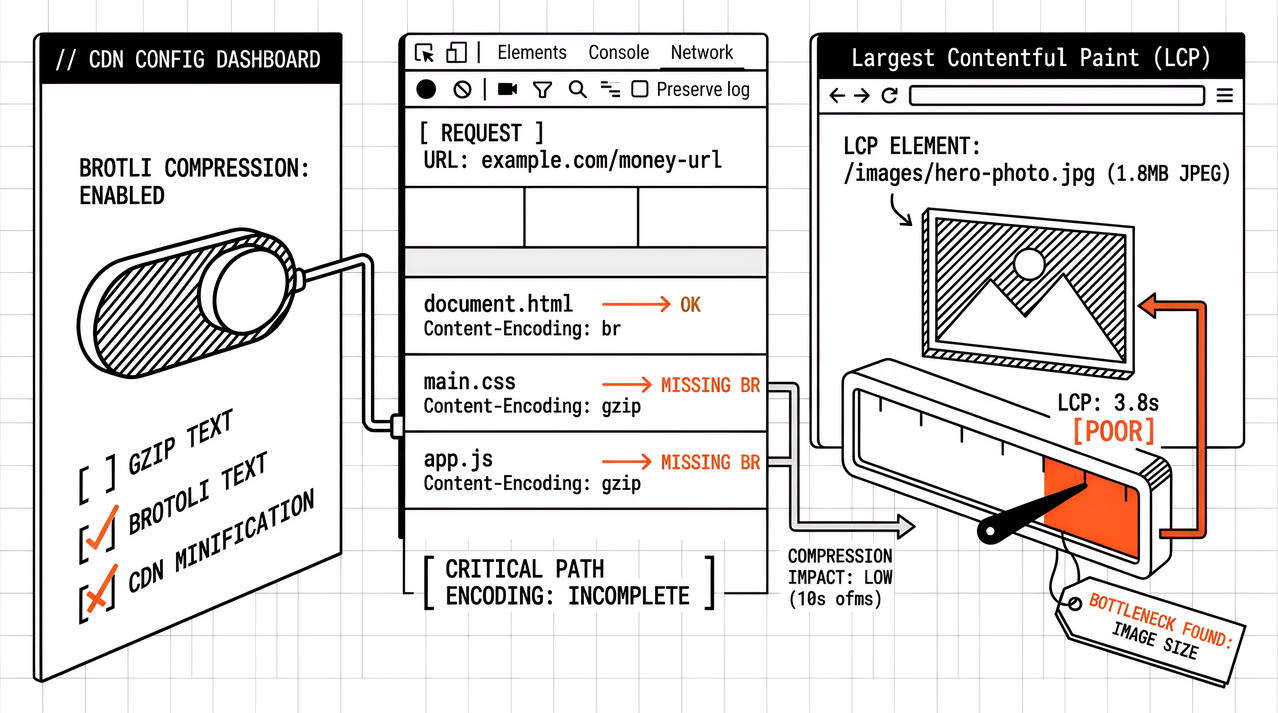
The fix is usually small. Remove loading="lazy" from the named LCP image (and matching sources in <picture>). fetchpriority="high" fits when the LCP URL is known early and other resources are not already marked high. Preloading and lazy-loading the same URL fights itself. A reasonably sized eager hero usually beats a huge lazy hero on LCP, even when a plugin dashboard calls the waterfall optimised.
CMS and theme traps that lazy-load the hero
WordPress themes, page builders, and Shopify settings often inject loading="lazy" on every attachment. Logos, banners, and first product images get deferred with the gallery. Elementor and similar stacks show up often in “lazy load LCP” threads for that reason. A CDN or image plugin that rewrites markup can put lazy back after the theme was fixed once.
When scores drop after a “performance” plugin install, open the LCP element detail before you change hosting plans. Exclude the first-screen image from auto-lazy rules, or override with eager on that node. Record the exclusion in the monthly notes so the next theme update does not silently put lazy back on the hero.
Quick verify: lab LCP element after a lazy-loading change
After any change that touches image markup or lazy defaults, re-run PageSpeed Insights or your scheduled lab profile on the homepage and other priority pages. Check which element is LCP, whether that element is still lazy-loaded, and whether deferred below-the-fold images reserve space with width/height or aspect-ratio. One green Lighthouse run on a staging URL is not enough if production themes differ by template.
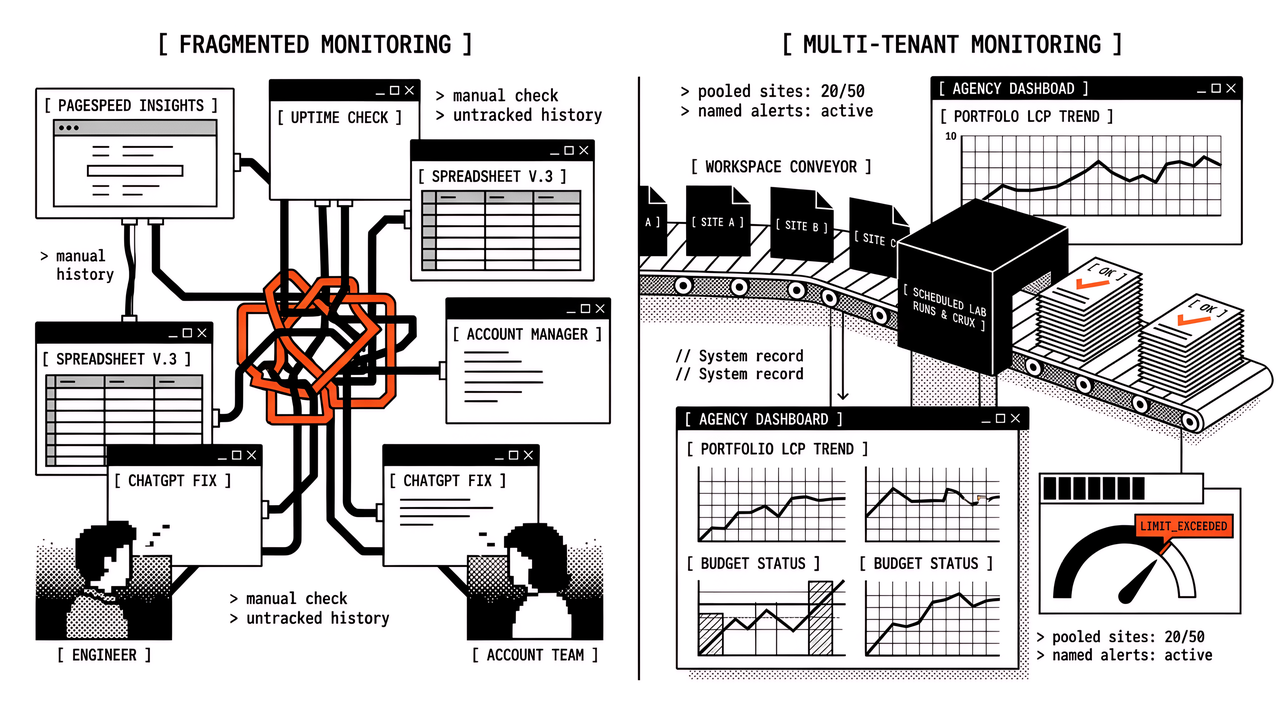
Comparing the same lab profile before and after the change, kept in monitoring history, is how agencies catch a theme update that re-applies sitewide lazy loading three weeks later, when nobody remembers the original ticket. Scheduled runs on the homepage and other priority pages are more reliable than another one-off Insights paste after each deploy. That habit turns a one-time attribute fix into something the next quarterly review can still prove.
FAQ
Should every image use loading="lazy"?
No. Offscreen images are the usual fit. Keep the LCP candidate and other first-viewport images eager. Sitewide lazy loading is a common cause of worse lab LCP.
Does lazy loading fix Cumulative Layout Shift?
Not by itself. Reserve space with width and height or aspect-ratio CSS. Lazy loading without reserved space can make CLS worse when images appear late and push the layout.
Is the HTML loading attribute enough, or do we still need a JavaScript library?
For ordinary images, native lazy loading is usually enough in modern browsers. Older themes still ship JavaScript lazy libraries; check whether those libraries also defer the hero. Knowing which mechanism is in use belongs in the work item before anyone blames hosting.
How do we know which image is LCP?
Use the LCP element detail in PageSpeed Insights or Lighthouse on phone and desktop widths. Do not guess from the design mockup alone.
CTA
If lazy loading is already “on” everywhere, treat the toggle as incomplete until the LCP image is named. Below-the-fold images usually stay lazy; the hero stays eager; space is reserved; theme and plugin changes get a retest. For the longer guide with iframes, video, and lab-versus-field detail, use the Watcher lazy-loading post linked above. For formats and sizing that keep eager heroes small enough to ship, use the image optimisation piece. When you need scheduled lab history across many client pages so a theme update cannot silently defer the hero again, run continuous PageSpeed checks in Apogee Watcher.
References
Lazy Loading for LCP and CLS: When to Use loading="lazy" (and When Not To) (Apogee Watcher)
Image Optimisation Strategies for Better LCP Scores (Apogee Watcher)
Lazy loading (MDN Web Docs)
Common misconceptions about Largest Contentful Paint (web.dev)