White label SEO reports for Core Web Vitals: what to send every month
Tool roundups answer which portal to buy. This is the monthly pack: which sections, which clocks, and what clients renew.
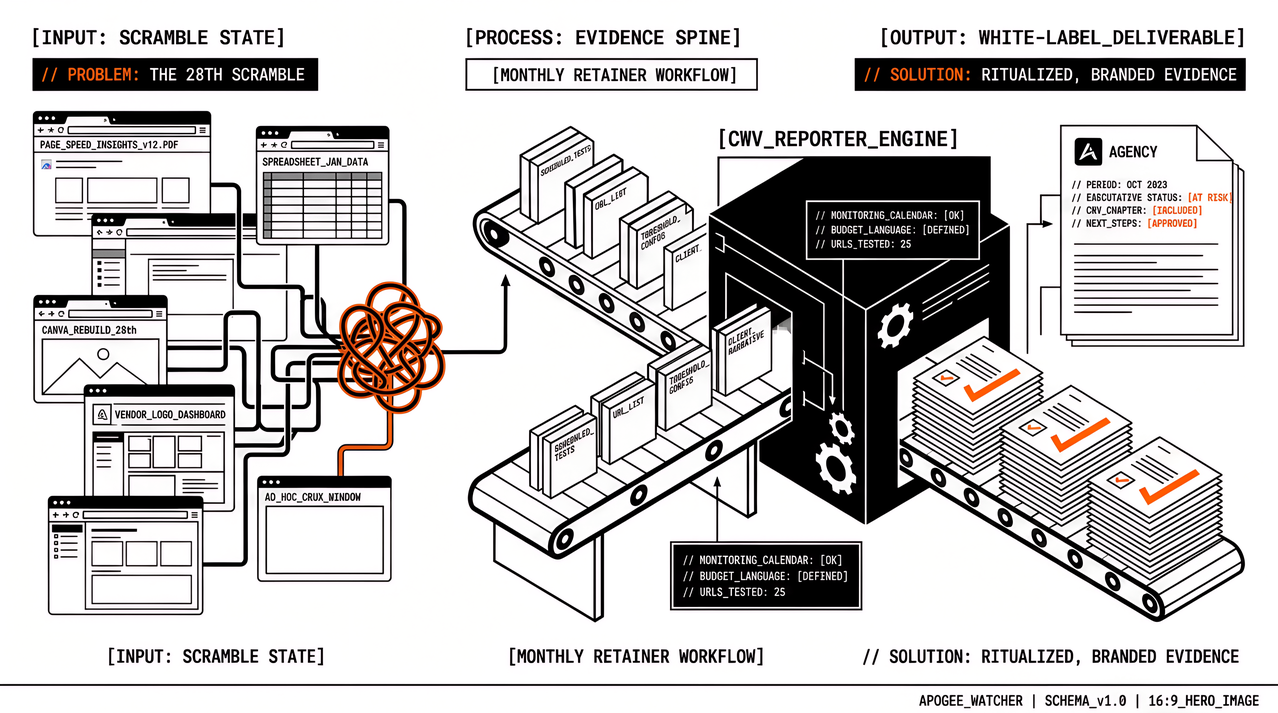
Search “white label SEO reports” and Google mostly returns portals, audit tools, and “best of” lists. That is useful when you are buying software. It does not answer the question account managers ask on the 28th of the month: what exactly goes in the client pack when the retainer includes Core Web Vitals, and how do we stop rebuilding it in Canva every time?
The shortlist of reporting products is a different job. What follows is the monthly contents job: which sections tend to renew, which clocks stay separate, and how agency branding sits on top of scheduled evidence rather than replacing it. The section checklist below is agency workflow (any stack). A later section states which Apogee Watcher report features are live today for weekly organisation PDFs and white-label branding, without turning this post into a product changelog.
What white label SEO reports must include when CWV is in the retainer
White-label, here, means the deliverable carries your agency identity. The PDF, share link, or portal should not look like a vendor screenshot with your logo pasted in the corner. SEO retainers already expect rankings, Search Console movement, and a short narrative. When Core Web Vitals sit on that same retainer, the pack needs a performance chapter that is as ritualised as the ranking chapter.
That chapter is not a single PageSpeed Insights paste. Clients renew when they see dated evidence, agreed thresholds, and next steps they can approve without learning Lighthouse jargon. Rankings and crawl data can stay in whatever SEO reporting stack you already use. Speed work needs its own habit: scheduled tests, budgets, and a short story that connects red numbers to work you can invoice.
If you are still choosing a portal, brand depth, data sources, and lock-in still deserve their own scorecard. The monthly CWV sections below still apply whether the PDF comes from a monitoring product or from a branded outline you fill by hand. Tool choice rarely fixes a missing calendar.
Why a one-off PageSpeed PDF fails as a monthly report
A scramble report usually fails for the same reasons every month:
- Evidence is ad hoc. Someone runs PageSpeed Insights once the night before the call; next month the URLs and strategies do not match.
- Lab and field clocks mix. A Lighthouse score and a CrUX window get treated as one answer, so the client hears conflicting green and amber.
- There is no shared budget language. Without thresholds agreed in advance, every red number becomes a taste debate.
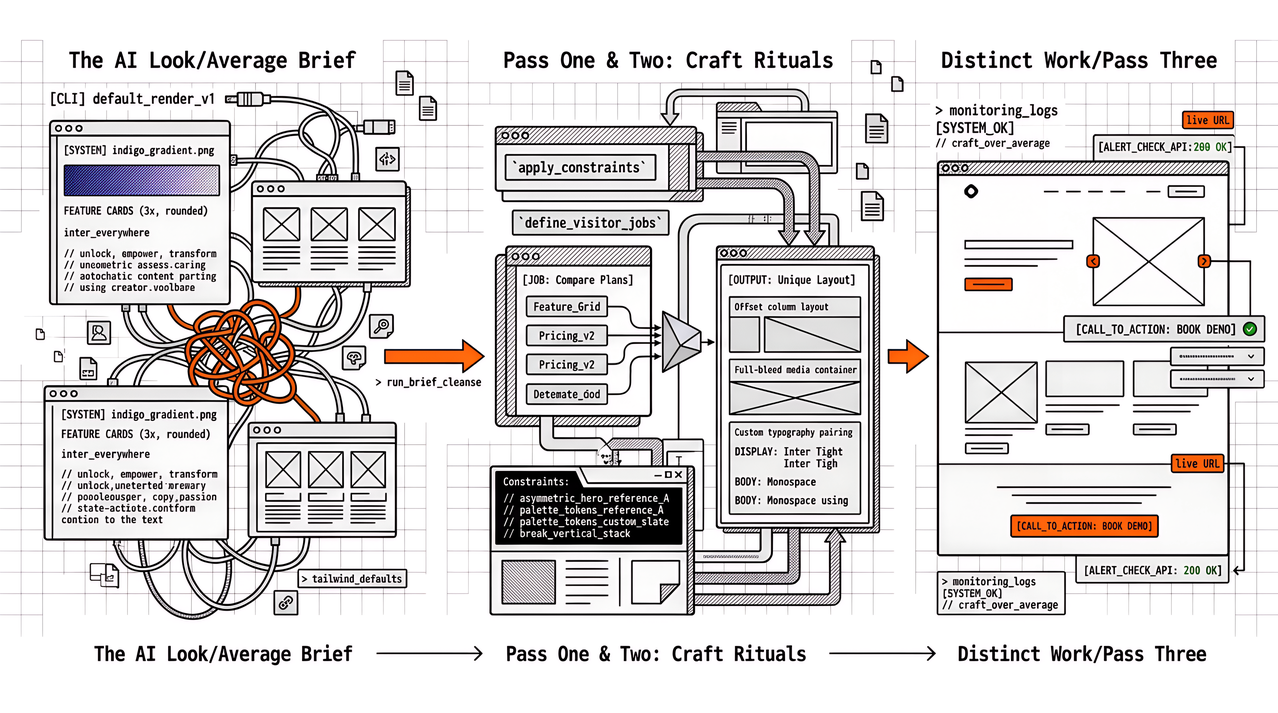
- Branding is last-minute. The deck still shows vendor chrome, or the design system is rebuilt under deadline.
- The retainer is vague. The client pays for “monitoring” without a calendar of what arrives and what triggers extra work.
Agency branding does not fix a missing schedule. A branded scramble is still a scramble. Fix the evidence habit first, then apply brand. For the end-to-end retainer stages from schedule to upsell (generic steps plus honest Watcher features), see From Scheduled Tests to White-Label CWV Reports: A Monthly Retainer Workflow. The sections below assume you want the table of contents for what clients actually open.
What to send every month: a fixed section checklist
Teams that renew CWV retainers usually freeze these sections once, then fill them from the same URLs and date range every cycle. The outline can live in Notion, Google Docs, or your reporting tool; the structure matters more than the software.
| Section | What the client should see | Source habit |
|---|---|---|
| Cover and period | Agency brand, client name, report month, owners | Calendar, not improvisation |
| Executive status | One paragraph: on track / at risk / blocked, in business language | Budgets + narrative, not a raw score dump |
| URL list | Money paths tested this period (home, key landers, checkout) | Same list as last month unless scope changed in writing |
| Lab scorecard | Lighthouse / PageSpeed Insights for those URLs, mobile and desktop as agreed | Scheduled runs with history |
| Field context | CrUX or Search Console experience summary when data exists; “no data” explained when it does not | Field window labelled (for example 28 days) |
| Budgets | Green / amber / red against thresholds you already sold | Shared budget document |
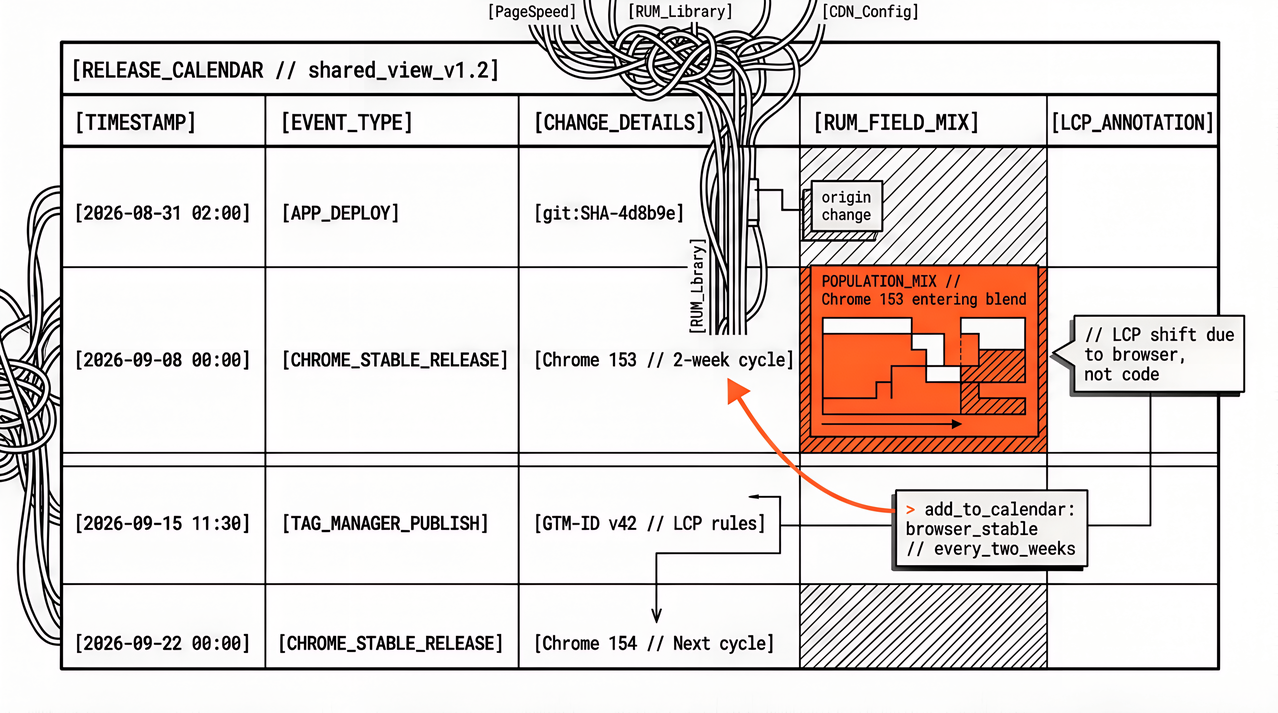
| Changes this month | Deploys, third-party tags, theme or CDN notes | Release calendar |
| Recommended next steps | Three concrete items with owners and effort bands the client understands | Prioritised from fails, not a wishlist |
| Appendix | Method notes, device/network assumptions, link to live dashboard or domain report if you have one | Stable boilerplate |
| Optional: weekly org PDF | Branded portfolio roll-up for the prior Mon–Sun week (when your stack ships it) | Scheduled organisation report, not a one-off paste |
Use a client-ready outline so the scorecard and next-steps language stay consistent across account managers. We publish one as Client-Ready Core Web Vitals Report Outline. Rankings, backlinks, and content progress can sit in adjacent sections of the same white label SEO report; they should not replace the performance chapter when CWV is in scope.
Lab scores, field windows, and budgets in the same pack
Clients ask one question that sounds simple: “Are we fast?” You need three honest answers on the page, not one blended number.
Lab (PageSpeed Insights / Lighthouse) is a controlled diagnosis on a chosen URL and strategy. It is excellent for spotting regressions after a release when you retest the same URL list. It is a poor stand-alone KPI for “how shoppers felt last month.”
Field (CrUX / Search Console experience reports) is what real visitors experienced over a window. It updates on its own clock. When CrUX has no data for a URL or origin, a plain “no data” line is clearer than inventing a green badge from lab alone.
Budgets are the contract language between those clocks and the retainer. “LCP under 2.5 s on mobile for checkout” is something a client can renew against. “We will keep improving PageSpeed” is not.
Lab and field usually sit in separate table rows or subsections, with the field window labelled. Budget fails point at work items, not at vibes. That separation is what makes white label SEO reporting credible when SEO and performance share one monthly PDF.
Branding versus evidence: any stack, then Watcher features
Agencies sell “white-label reports” as if branding were the hard part. Branding is the easy part once dated evidence exists. Honesty about which report types are self-serve still matters. Split the question the same way the retainer workflow does: formats any agency can use, then which Watcher features are live.
Any agency (product-agnostic): brand and send the monthly narrative as a PDF, slide deck, share link, or dashboard walkthrough. Your outline (checklist above) stays yours. Evidence can come from spreadsheets, Lighthouse CI, another portfolio monitor, or Watcher.
Live today in Apogee Watcher: scheduled PageSpeed Insights across a portfolio, performance budgets, alerts, multi-tenant organisation views, and domain reports for hostname triage before you write prose. On top of that, weekly organisation reports are portfolio roll-ups the product builds for the workspace: Sunday schedule for the prior Monday–Sunday week, Preview for Monday→today, insight summary, KPI cards, site movers, email to organisation admins, and PDF download when the plan includes PDF reports. See Organisation reports and PDF and the ship note Weekly Organisation Reports and White-Label Branding Options Are Live.
White-label branding options are live for those weekly PDFs when the plan includes white-label reports: organisation logo, primary colour, and a curated font allowlist; White-label On/Off on the report view; Regenerate PDF after branding changes. That is separate from basic PDF export. Setup steps are in White-label reports.
Still reserved / not self-serve: Monthly and Custom organisation report types. A monthly retainer pack still needs your narrative outline, URL list, and next steps on top of whatever weekly PDFs you already send. Clients forgive a clear “weekly automated, monthly narrative by us” split; they do not forgive a portal that promised every period type and delivered screenshots.
Coming soon (state plainly in pitches): Slack and webhook alert delivery; organisation-scoped Leads Management with RBAC for every agency seat (prospecting today is largely an internal / sysadmin MVP).
Reporting usually layers onto Search Console and any real-user monitoring already in use. A rank tracker does not need to leave because CWV sections arrived. The monthly pack works when the tools share one calendar.
FAQ
Is this a generic agency checklist or an Apogee Watcher guide?
Both, on purpose. The section checklist, lab/field/budget rules, and scramble reasons are agency workflow for any stack. The branding-versus-evidence section states which Watcher report features are live (weekly organisation PDFs and white-label branding) versus reserved or coming soon.
What should white label SEO reports include for Core Web Vitals?
A dated URL list, lab scorecard, field context when available, budgets against agreed thresholds, changes this month, and three concrete next steps. Rankings and Search Console can share the same PDF; they should not replace the performance chapter.
Is a PageSpeed Insights screenshot enough for a client ready pagespeed report?
No. One screenshot lacks period, URL consistency, budgets, and next steps. Use scheduled history and a fixed outline so next month compares like for like.
How does a monthly performance report retainer differ from a one-off audit?
A retainer has a calendar: same sections, same URL set, known owners, and a rule for what triggers out-of-scope work. An audit is a project with a start and end. Mixing the two in the client’s head is how renewals stall.
Can we send an agency-branded PageSpeed PDF from Apogee Watcher today?
Yes, when the plan includes PDF reports and white-label reports (typically Professional+). Set logo, colour, and font on the organisation, then download or regenerate the weekly organisation PDF. A self-serve monthly organisation report type is still reserved; most retainers pair weekly PDFs with a short month-end narrative you write. Agencies not on Watcher still brand and send from the formats above.
Do we need a special white-label tool before we start?
Schedule, budgets, and a fixed outline still come first. When the monitoring product already ships weekly organisation PDFs with optional agency branding, that export becomes an input to the monthly pack rather than a Canva rebuild. Tool choice is secondary to the ritual; monthly org-report periods may still be narrative work until self-serve monthly types exist.
What if CrUX has no data?
A clear line that field data is missing for this origin or URL in the window is enough. Lab scores and budgets still support diagnosis. Missing CrUX is not the same as a failed site.
CTA
A practical next step is one retainer client and next month’s pack: URL list, budget table, and section order, filled from scheduled tests (and from weekly organisation PDFs when you already generate them), with an executive status in business language under your agency brand. When you want the full stage map from schedule to upsell, read From Scheduled Tests to White-Label CWV Reports. For the reusable outline, use Client-Ready Core Web Vitals Report Outline. For what Watcher shipped for weekly organisation reports and white-label branding, see Weekly Organisation Reports and White-Label Branding Options Are Live, plus the organisation reports and white-label reports docs.
Portfolio schedules, budgets, and branded weekly PDFs without a private PageSpeed Insights spreadsheet are what Apogee Watcher is built for.
References
- Weekly Organisation Reports and White-Label Branding Options Are Live (Apogee Watcher)
- Organisation reports and PDF (Apogee Watcher docs)
- White-label reports (Apogee Watcher docs)
- White label SEO reports: five options agencies actually evaluate
- From Scheduled Tests to White-Label CWV Reports: A Monthly Retainer Workflow (Apogee Watcher)
- Client-Ready Core Web Vitals Report Outline (Apogee Watcher)
- About PageSpeed Insights (Google)
- Understanding Core Web Vitals and Google search results (Google)
- Web Vitals (web.dev)